
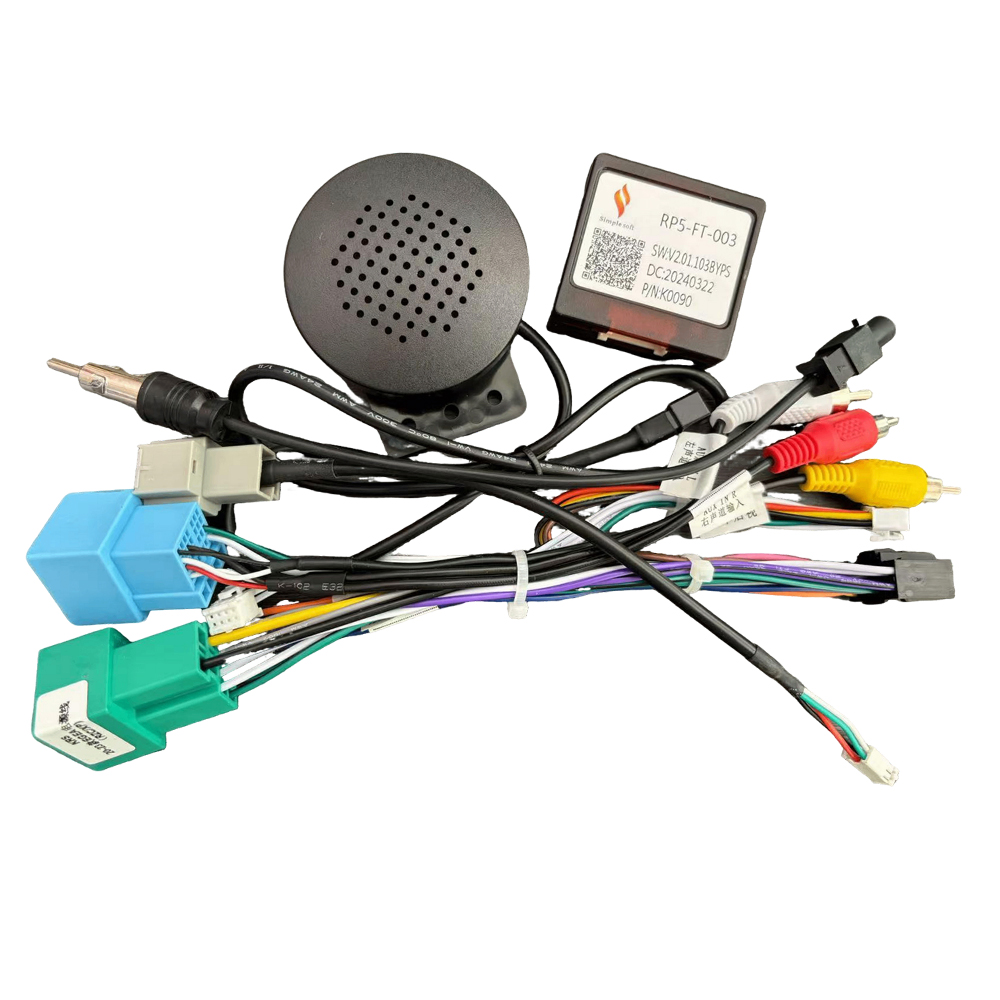
You’ve connected all the plugs, the Android screen lights up beautifully, but when you play music—absolute silence. This is the #1 complaint from customers buying aftermarket head units. The culprit? Ninety percent of the time, it’s an issue with the wiring harness or the CANbus decoder configuration.
Reason 1: The Factory Amplifier Isn’t Turning On (The Blue/White Wire Issue)
Many cars (like older Toyotas or Hondas) require a 12V signal to “wake up” the factory amplifier.
Solution: Ensure the AMP Ctrl or ANT Ctrl wire (usually blue or blue/white) from the Android harness is connected to the car’s factory amp trigger pin.
Reason 2: Wrong CANbus Protocol Selection in Android Settings
A CANbus box isn’t just plug-and-play on the software side. You must tell the Android OS which car it is talking to.
Step-by-step Guide: Go to Settings -> Factory Settings (usually code 8888 or 1617) -> Protocol/CANbus Selection -> Choose the correct manufacturer (e.g., Raise, Raise, Hiworld) -> Select Car Brand & Model.
Reason 3: Spliced Low-Quality Pins
Cheap harnesses use loose pins that back out of the plastic connector housing when pushed into the car dash, causing intermittent or total loss of audio signal.